What wallet do we need to use this API?
Any wallet supporting walletconnect, like Trust Wallet or Polygon
Full list of supported wallets

What wallet does not work with this token?
Basically, all wallets supporting Polygon network support this token. However, wallets in centralized exchange cannot be used. It is because those wallets only supported coins / tokens listed on exchange. Never send tokens to exchange wallet, you may loss all tokens sent there.
What do we need to use the API besides the wallet?
If you are calling view functions only, nothing is needed. If you are creating (signing) transactions, you will need enough coin to pay the gas. For ETH, it will be ETH. For polygon, it will be MATIC.
You will need MATIC in polygon network, not MATIC (ERC-20) in ETH network !!
If you are purchasing polygon from exchange to withdraw, select Polygon network. If there is no network to choose, it will be ERC-20 in ETH network
If you have MATIC (ERC-20) in ETH network, you can change it to MATIC in polygon network here. Polygon Bridge
It takes around 0.008 ETH to do the bridge.
Metamask does not connect to Polygon network by default, how do we use Metamask to connect to Polygon?
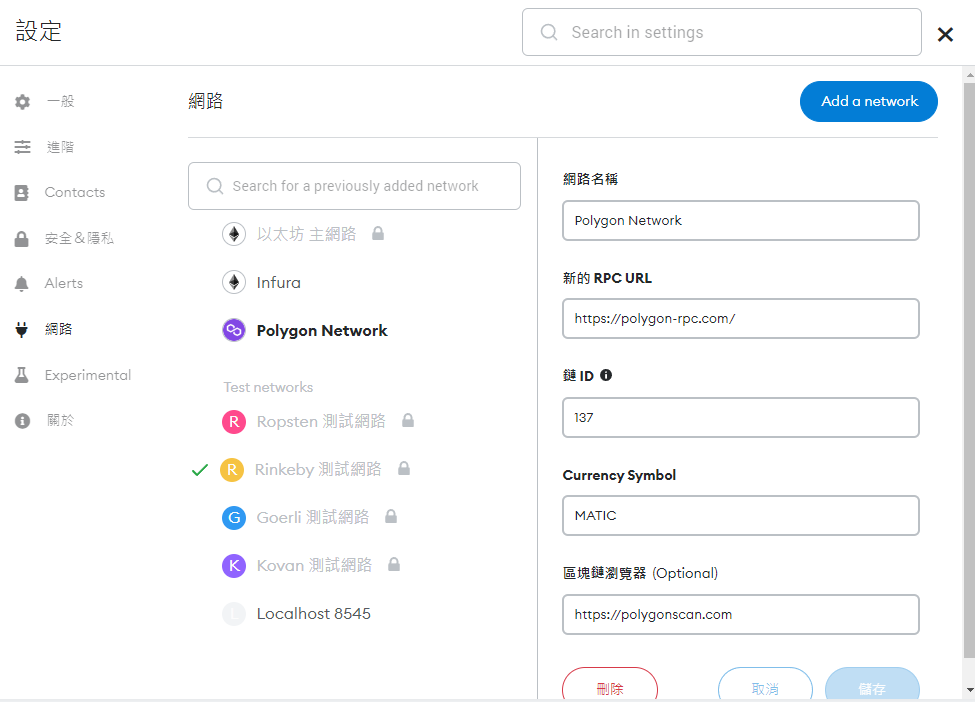
Go to Setting, Network, Add a network, and add polygon network with the following setting.
After that, select the polygon network. It is done
Reference: Binance Academy: 如何將 Polygon 新增到 MetaMask?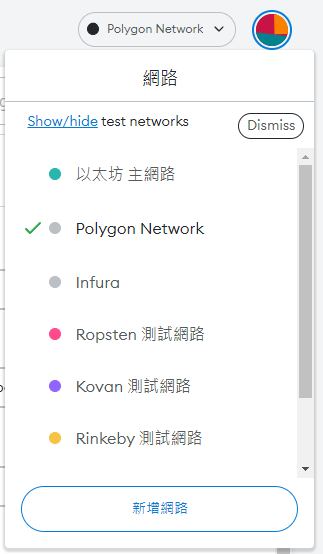
How to see / use my token balance in my wallet?
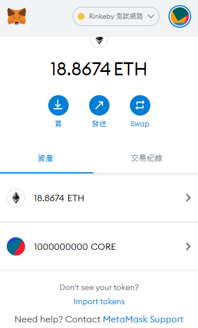
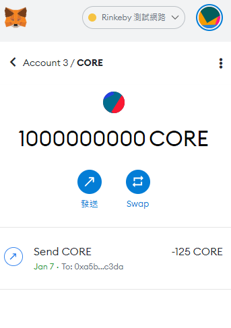
If you have token in the wallet, it will be shown automatically.
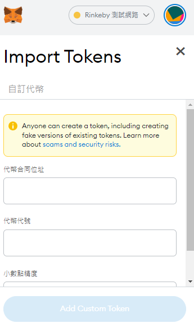
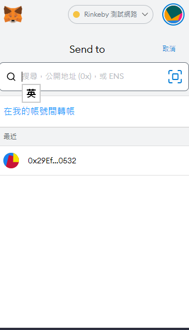
In case it does not, you may use import token function to add this token.
Token address is "0x1157789bC951464d8bAaF4b148b7c6258c8985bE" (Polygon)
How to develop further application based on this API?
Read the source code of header.php, index.php, footer.php and js/web3_controller.js
Other files are library / handling UI things only.